Easy returns for you and your customers
A great return experience is key to customer loyalty, and we have digital services that can make returns fast and easy for both your customers and your team.
How can I set up returns from my customers?
For smaller organizations with manageable return volumes, we recommend manually triggering returns via the portal.
For larger organizations who want to automate returns, we recommend setting up a self-service return page, or using a third party return solution.
If you have developers on staff and have specific needs or want to integrate returns into your systems, you can use our APIs to set things up exactly as you want them.
What about return labels?
No need for printers or paper
Not everyone has a printer available to print a return label, that's why PostNord always offers customers the option to print pre-approved shipping labels at any service point. All they need to do is show a QR code and the service point staff will print and label the shipment. You can create these QR codes via the portal, via API call, or by using an integration service such as our Digital Returns solution described below.
Pre-printed return labels
It's possible to include pre-printed return labels with your shipments, which is convenient for the customer. But the vast majority of these labels never get used, and showing a QR code when handing a parcel in is just as convenient. So we recommend cutting down on waste and handling returns digitally.
If you still want to include pre-printed return labels, you can create these in Skicka Direkt Business, print them, and include them in the shipment.
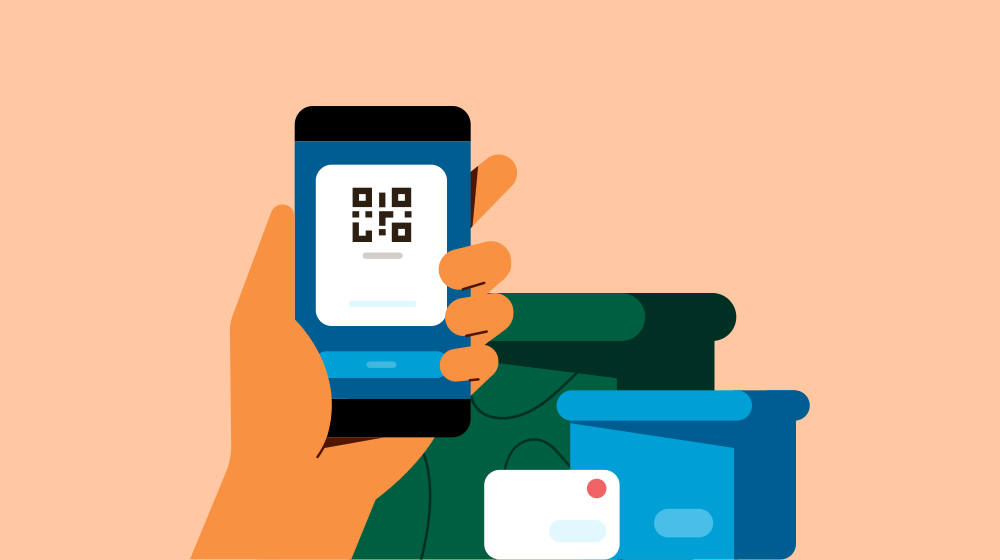
Digital Returns - A self-service return flow saves on time and the environment
An end-to-end digital return solution
Digital returns with QR code at agents (for returns from SE, DK, NO. For other countries a PDF option exists)
Book a return package pick-up (we'll bring the label!)
Option for your returning customer to provide a reason for return (available to you via portal/API connection)
Multi-language support (SE, DK, NO, FI, EN)
The solution is also available as a widget – for more info, contact Customer Integration
How does it work?
We'll set up a custom return page for your website
You link to the page from your channels
On this page, your customer fills in information and receives a QR code their return
No development required from you and no customer service work required to generate returns!
Triggering digital returns manually
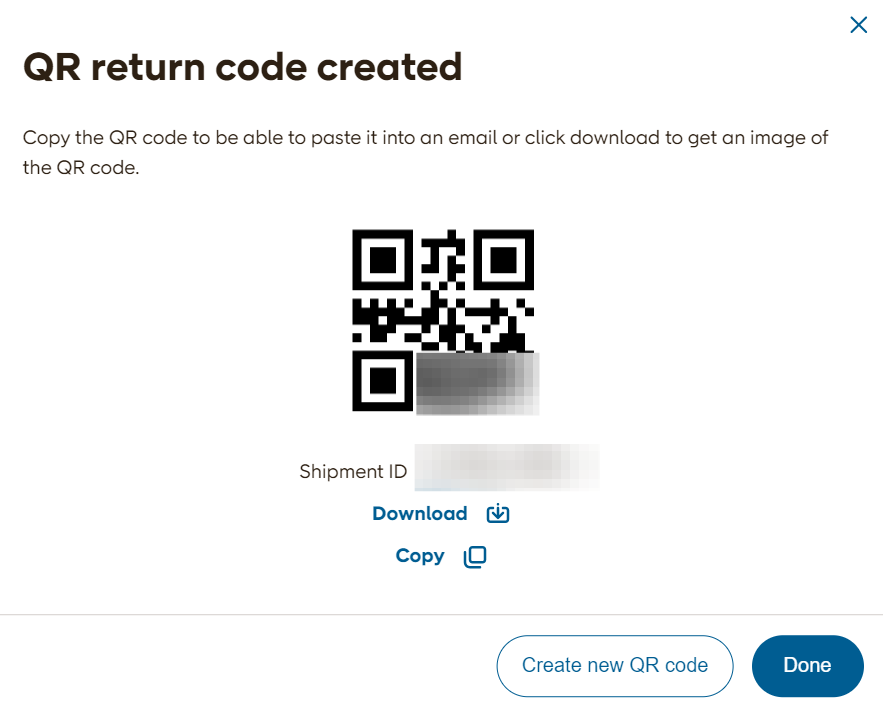
The easiest way to issue a single return shipment is to use our Track shipments Tool. If a customer has requested a return your team just needs to open the customer's original shipment in Track shipments, and create a return using the actions button.
This generates a QR code that you can download and send to the customer. They can then show this at a service point and get their return sent off - no printer needed!
You can also use Track shipments to return a shipment that has not been delivered yet, for example if a customer has cancelled their order. Use the action "request return" in Track shipments to request a change of handling and redirect your shipment back to your sender address.
Third Party return solutions
If you need a dedicated return management solution to handle large quantities of returns, we have several integration partners that offer solutions with PostNord return management. Check out our integration catalog to find out more.
Build your own solution with our APIs
PostNord offers APIs for all our major workflows, meaning your development team can build PostNord functionality into any service or app that you need in your deliveries with us. API calls are free up to very high volumes, and we can even help you build your solution.